Microsoft Partner

Microsoft 365 Business Standard for South African businesses

Microsoft 365, formerly Office 365: desktop Office apps, business email, Teams and secure cloud storage for everyone in your business, set up, licensed and supported by one certified Microsoft partner.

21+ yearsAs a Microsoft partner
1 TBCloud storage per user
LicensingCertified Microsoft licensing provider

Trusted by leading organisations across South Africa

Microsoft 365 Business Standard

Everything your team needs, in one subscription

Email, meetings, documents and files that work together on every device, so your team spends less time switching between tools and more time getting work done.

  • Full desktop versions of Word, Excel, PowerPoint and Outlook
  • Business email on your own domain
  • Teams for chat, calls and meetings
  • Up to 300 users on one plan
Outlook Search
Inbox 0
    Select a message
    What's included

    The apps your business already knows

    Every user gets the familiar Office apps on up to five PCs or Macs, five tablets and five phones, plus the cloud services that connect them.

    Microsoft Teams

    Meet, chat and share from anywhere

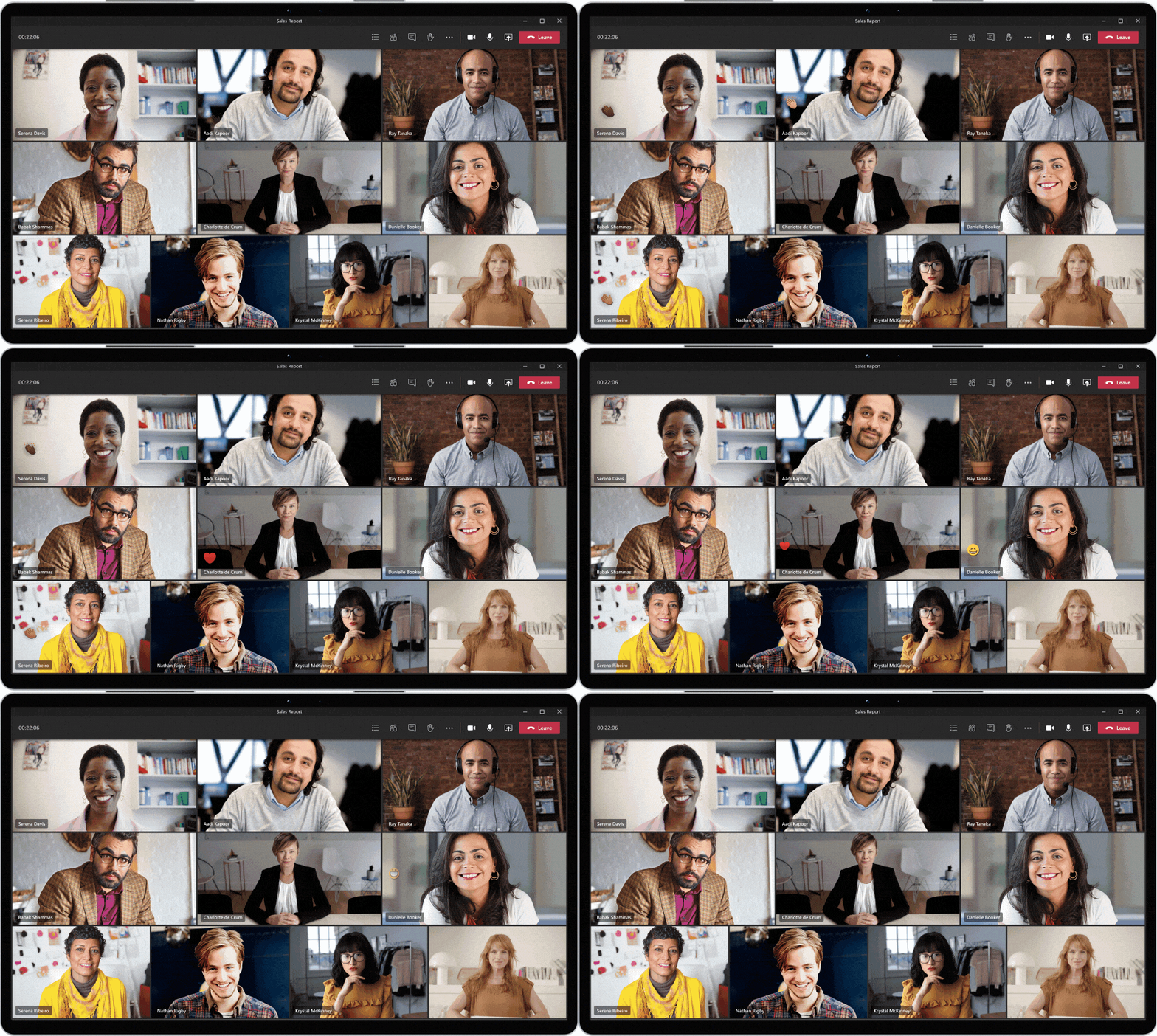
    Online meetings for up to 300 people, chat for every team and project, and files your colleagues can open and edit together.

    A Microsoft Teams meeting with six colleagues on video and live reactions
    Sales team Meet
    Type a message
    Video meetings

    Meet with up to 300 people, with screen sharing, recordings and live captions.

    Chat and channels

    Keep conversations organised by team, client or project, instead of buried in email.

    Files in context

    Share and co-edit Word, Excel and PowerPoint files right inside the chat.

    New message
    To
    Subject
    Draft with CopilotSend
    Message sent
    Email and calendar

    Professional email, on your own domain

    Outlook brings email, calendar and contacts together, with Copilot Chat to help you draft and summarise messages.

    • Email addresses on your company domain
    • A 50 GB mailbox for every user
    • Shared calendars and online booking pages
    • Built-in spam and malware filtering
    Files and collaboration

    Work on the same file, at the same time

    OneDrive and SharePoint keep every file backed up in the cloud and in sync across devices, so the latest version is always the one you open.

    • 1 TB of OneDrive storage per user
    • Edit documents together in real time
    • Share securely inside and outside the business
    • Restore earlier versions when you need to
    Proposal - Durban office.docxTMPVLD
    Copilot

    AI built in, with room to grow

    Microsoft 365 Copilot Chat is included with Business Standard. When you're ready for more, Business Standard with Copilot adds Copilot inside the apps your team uses every day.

    Included

    Microsoft 365 Copilot Chat

    Secure AI chat for work. Ask questions, draft content and summarise files, protected by your Microsoft 365 sign-in.

    Summarise this 12-page tender in five bullet points.
    Here are the key requirements, deadlines and risks, with a note on what to clarify before you submit.
    Upgrade option

    Business Standard with Copilot

    Copilot inside Word, Excel, PowerPoint and Outlook, working with your emails, meetings and documents.

    Turn last week's sales meeting notes into a follow-up email.
    Draft ready in Outlook, with the three actions agreed and owners for each.

    Copilot features vary by plan, region and language. We'll show you what's available for your business.

    Compare plans

    Microsoft 365 licensing: the right plan for every user

    Microsoft 365 licensing is per user, so you can mix plans in one business. Whether you call it an Office 365 licence or a Microsoft 365 licence, most teams choose Business Standard, and Business Premium adds advanced security and device management. Ask us for the Business Standard price in rand.

    All Microsoft 365 Business plans support up to 300 users. Ask us for current pricing in rand.Get a quote→
    How Dynaworx helps

    Moved, secured and supported for you

    01

    Assess

    We review your users, email, files and devices, and recommend the right plan for each person.

    02

    Migrate

    We move email, calendars and files from your current provider, usually with no downtime.

    03

    Secure

    Multi-factor sign-in, sharing policies and backups are set up from day one.

    04

    Support

    Training for your team, licence management and a local helpdesk when you need it.

    Our customers

    Who we've worked with

    We're proud to partner with leading organisations in South Africa and beyond, from banks and manufacturers to public agencies.

    Want results like theirs? Let's talk about your business.

    Request a call back →
    FAQ

    Questions, answered

    Still deciding? These are the questions South African businesses ask us most.

    Ask a specialist →
    Next steps

    Let's get your team set up

    Tell us a little about your business and a Microsoft 365 specialist will call you back with a quote, usually within one business day.

    Call usRequest a call back